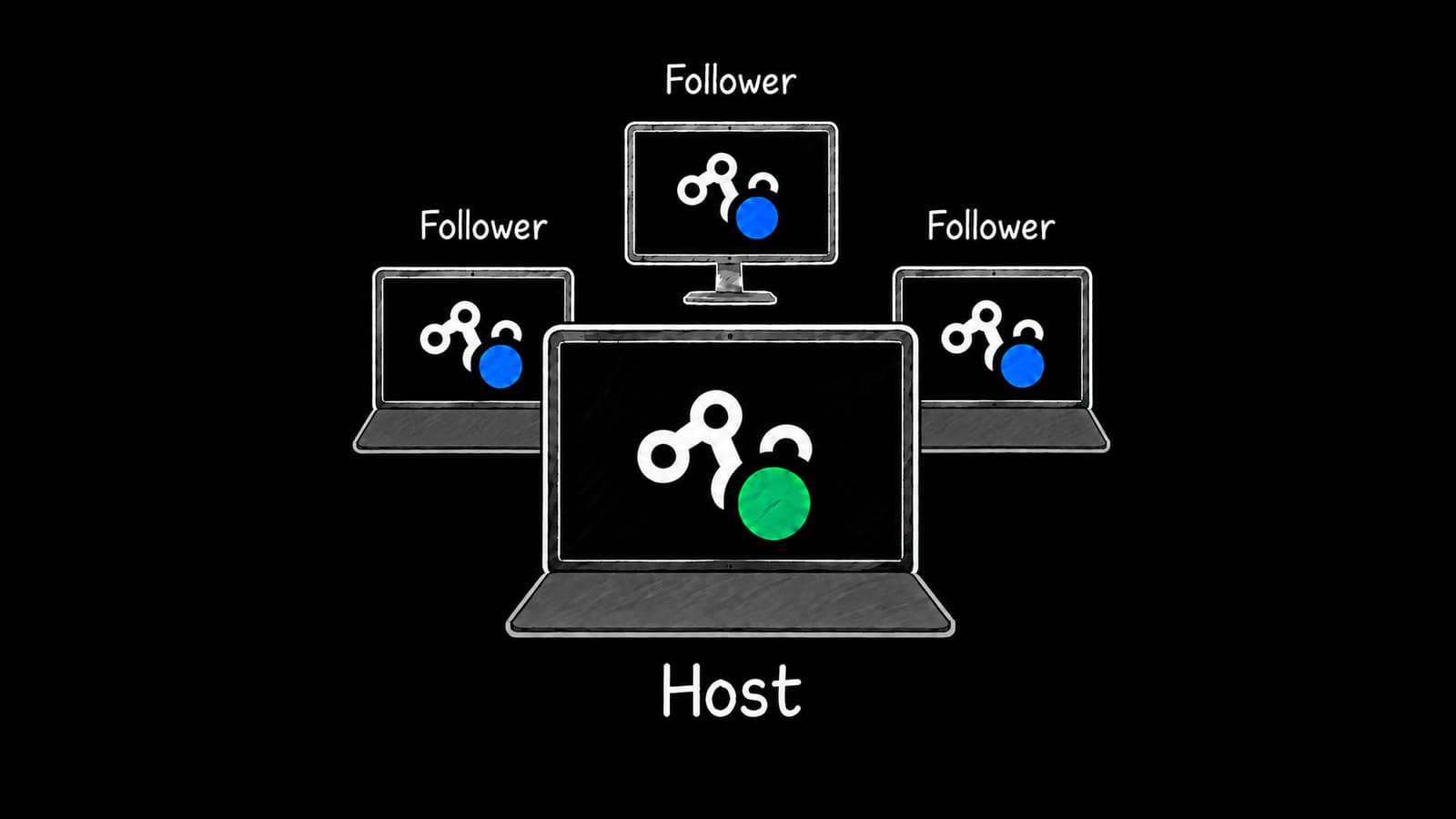
We’ve added a new feature to Time-line Live: Host and Follower mode, which lets multiple operators follow the same DJ performance from their own computers.
If you use Time-line Live at front of house, you’ve probably had a colleague wanting to follow along too. Until now, that meant sharing a screen. With Host and Follower mode, everyone on your team, whether they’re running lighting, video or SFX, can follow the same DJ performance on their own computer screen.
Host and Follower mode is available on the Free plan. If the Host has Pro, Followers can receive Key Points without needing their own Pro subscription.
How it works
One computer, the Host, connects to the DJ decks. Other computers connect to the Host as Followers and receive the same deck information.
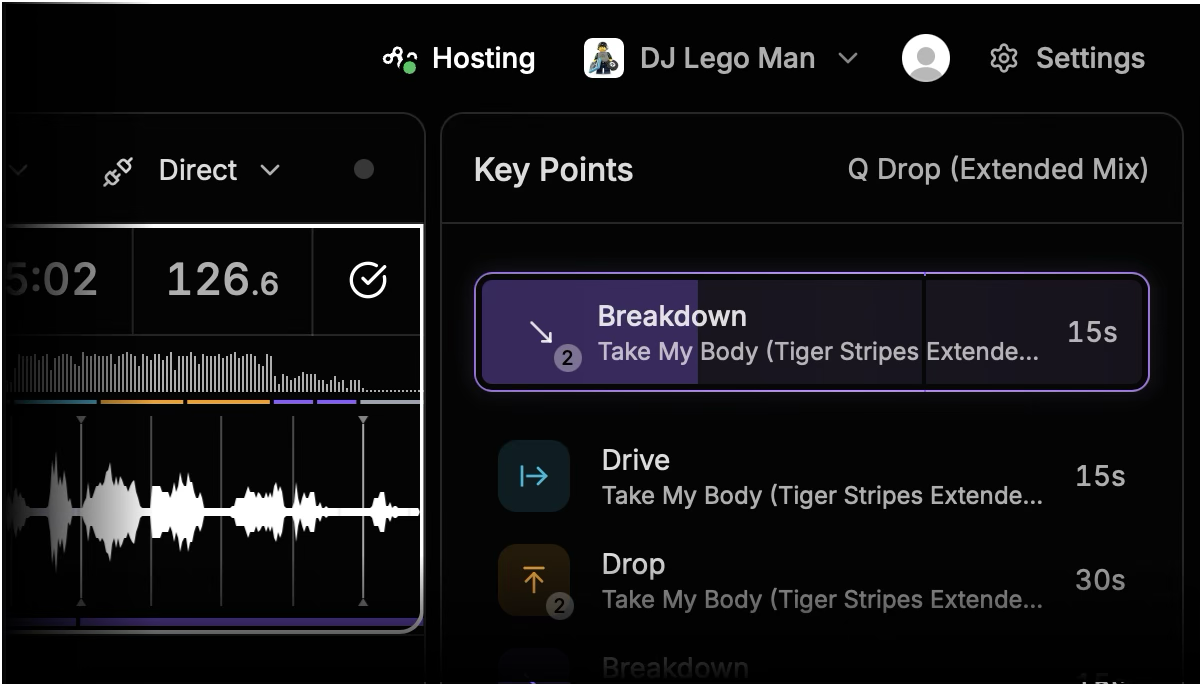
When you open Time-line Live, it looks for an available Host. If it finds one, it automatically starts Following. Otherwise, it starts Hosting. The top menu bar shows whether you’re Hosting or Following and, if you’re Following, which computer you’re connected to.
Try it with your team
First, make sure everyone is running the latest version of Time-line Live. Open the app while connected to the internet and it will automatically check for and download available updates. Click the blue “Restart” button to install the update.
Our setup guide walks through connecting your Host and Follower computers, including the recommended network arrangement for live shows.
Read the guide: Host and Followers
Give it a try at your next show and share the Time-line love with your colleagues.
We’re continuing to add features and improve Time-line Live. Please keep sharing your ideas, requests and experiences at hello@time-line.io. We’d love to hear how it’s working for your team.